Mini Wireless Portable Thermal Label Printer
A Compact Wireless Thermal Printer for Everyday Use
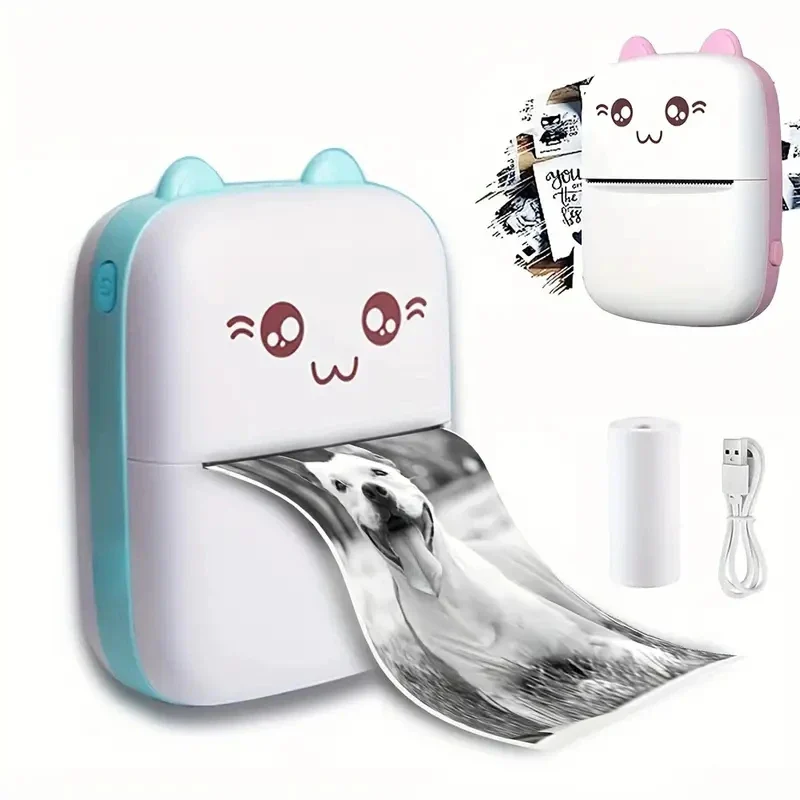
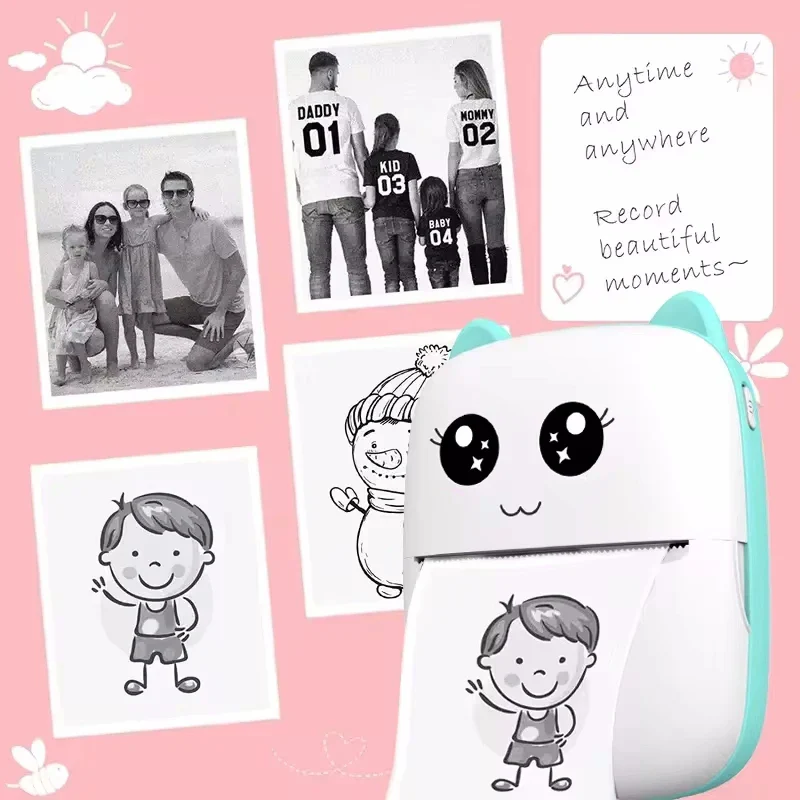
Capture and print notes, labels, or images with this compact mini thermal printer designed for portability and convenience. Its lightweight size makes it easy to carry in a bag or pocket, making it suitable for students, travel, or daily organization tasks.

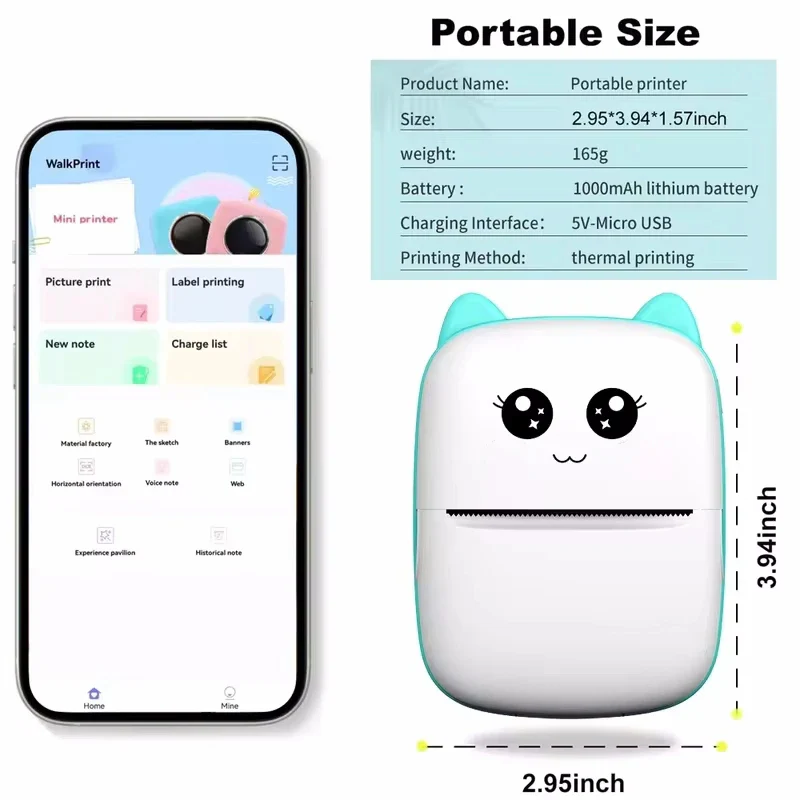
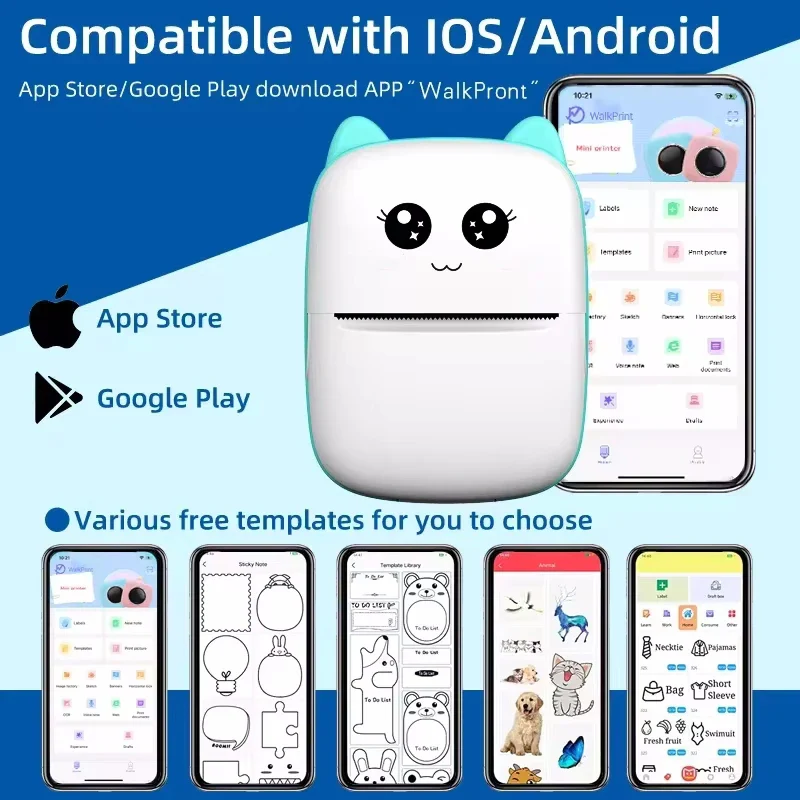
This printer connects to compatible Android and iOS devices via Bluetooth. Using the WalkPrint app, you can print notes, images, or labels directly from your smartphone without cables or additional accessories.
The printer uses thermal printing technology, which does not require ink cartridges. With a print speed of up to 20 ppm and support for 58mm paper, it produces clear black-and-white prints. The roll-feed design allows for simple paper replacement.
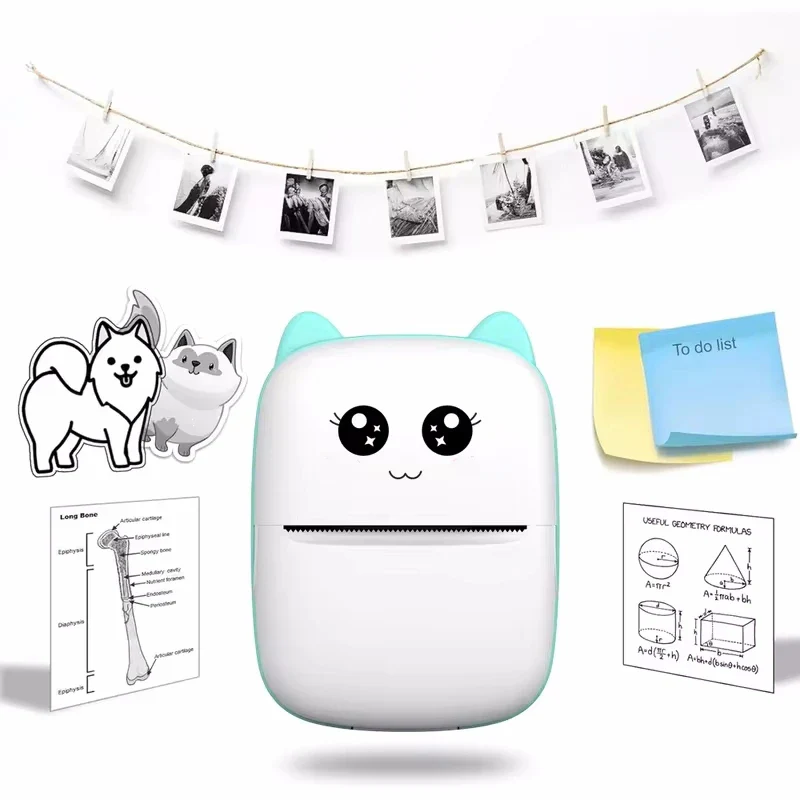
This device can be used for organizing items, printing notes, or creating small labels and stickers. Its compact design and app compatibility make it a practical tool for everyday use.
- INKLESS PRINTING: Uses thermal paper instead of ink cartridges
- BLUETOOTH CONNECTIVITY: Connects to Android and iOS devices
- PORTABLE DESIGN: Compact size suitable for travel or daily use
- PRINT SPEED: Up to 20 ppm output
- APP SUPPORT: Compatible with WalkPrint app templates
- EASY PAPER LOADING: Roll-feed design for simple replacement

Specifications:
- Material: Plastic
- Print Parameters: 200DPI
- Printing Method: Thermal inkless white and black printing
- Charging port: Micro USB
- Battery Model: Lithium battery 523450
- Battery Capacity: 1000 mAh 7.4V lithium battery 2A charging
- Printing Paper: 57x30mm / 2.2x1.2in (need to buy original printing paper for easy replacement)
- Connection method: Bluetooth 4.0
What's Included:
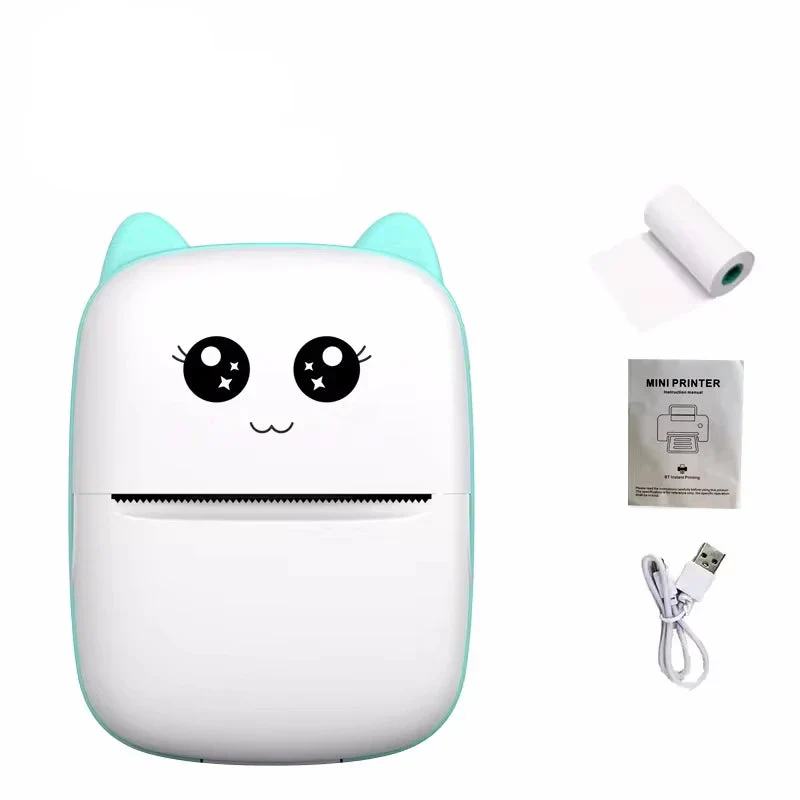
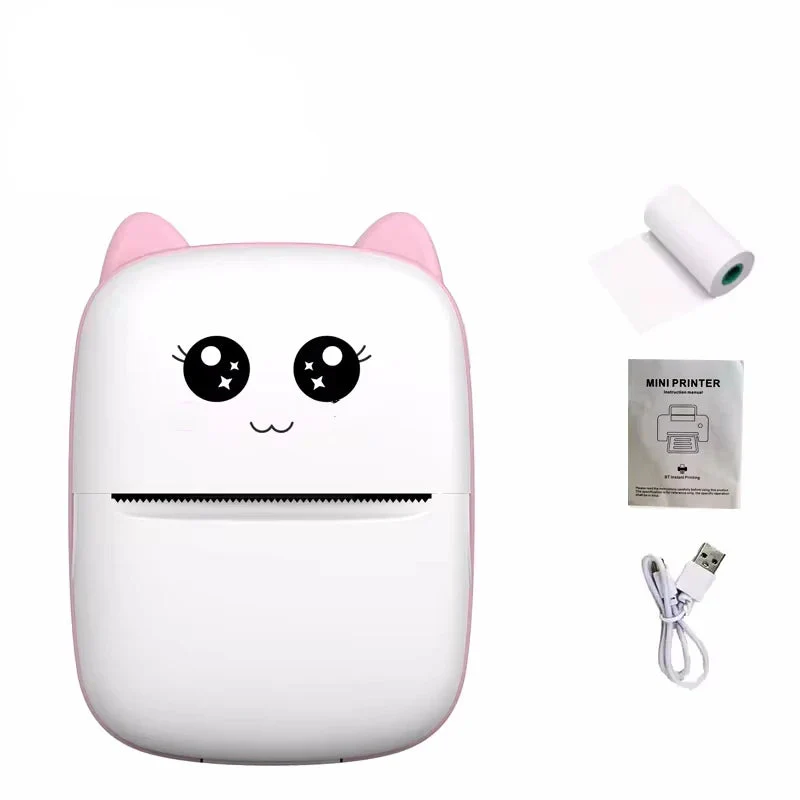
- 1 x Thermal Printer
- 1 x Charging Cable
- 1 x Instuctions
- 1 x Free Printing Paper
Frequently Asked Questions
Does it need ink to work?
No, it uses heat-sensitive thermal paper and does not require ink.
How do I connect it to my phone?
Download the WalkPrint app, enable Bluetooth, and pair the device through the app.
What can I use it for?
It can be used for printing labels, notes, small images, or organizing tasks.

Description
A Compact Wireless Thermal Printer for Everyday Use
Capture and print notes, labels, or images with this compact mini thermal printer designed for portability and convenience. Its lightweight size makes it easy to carry in a bag or pocket, making it suitable for students, travel, or daily organization tasks.
This printer connects to compatible Android and iOS devices via Bluetooth. Using the WalkPrint app, you can print notes, images, or labels directly from your smartphone without cables or additional accessories.
The printer uses thermal printing technology, which does not require ink cartridges. With a print speed of up to 20 ppm and support for 58mm paper, it produces clear black-and-white prints. The roll-feed design allows for simple paper replacement.
This device can be used for organizing items, printing notes, or creating small labels and stickers. Its compact design and app compatibility make it a practical tool for everyday use.
- INKLESS PRINTING: Uses thermal paper instead of ink cartridges
- BLUETOOTH CONNECTIVITY: Connects to Android and iOS devices
- PORTABLE DESIGN: Compact size suitable for travel or daily use
- PRINT SPEED: Up to 20 ppm output
- APP SUPPORT: Compatible with WalkPrint app templates
- EASY PAPER LOADING: Roll-feed design for simple replacement
Specifications:
- Material: Plastic
- Print Parameters: 200DPI
- Printing Method: Thermal inkless white and black printing
- Charging port: Micro USB
- Battery Model: Lithium battery 523450
- Battery Capacity: 1000 mAh 7.4V lithium battery 2A charging
- Printing Paper: 57x30mm / 2.2x1.2in (need to buy original printing paper for easy replacement)
- Connection method: Bluetooth 4.0
What's Included:
- 1 x Thermal Printer
- 1 x Charging Cable
- 1 x Instuctions
- 1 x Free Printing Paper
Frequently Asked Questions
Does it need ink to work?
No, it uses heat-sensitive thermal paper and does not require ink.
How do I connect it to my phone?
Download the WalkPrint app, enable Bluetooth, and pair the device through the app.
What can I use it for?
It can be used for printing labels, notes, small images, or organizing tasks.